# Knowledge Base Related Articles

HTX News Center provides the latest articles and in-depth analysis on "Knowledge Base", covering market trends, project updates, tech developments, and regulatory policies in the crypto industry.

ChatGPT Finally Can 'Search Itself': Nearly Four Years of Conversations, Retrieved with One Click

ChatGPT, nearly four years old, has long lacked a functional way for users to search their own accumulated history. This changed on July 14th, when OpenAI launched a comprehensive "Unified Search" feature across all platforms and plans. This new search allows users to find and instantly access past conversations, uploaded documents, generated images, and projects within their own ChatGPT account, all from a single sidebar entry. This update signifies a major shift in ChatGPT's role, transforming it from a transient chat tool into a personal knowledge base or "file system" for users' AI-generated content. It completes a critical missing piece as OpenAI expands ChatGPT's capabilities with features like Projects, Memory, Work, and Sites, aiming to make it a central hub for work and creativity. The ability to easily retrieve years of personal data makes that data more valuable as a unique, irreplaceable asset in the AI era. However, it also highlights the increasing weight and potential sensitivity of this data, given default settings that allow conversations to be used for model training and legal precedents involving user logs. While a significant improvement over the previous ineffective search, this move is seen as addressing an industry-wide oversight. As the competition between AI assistants (ChatGPT, Gemini, Claude) moves beyond raw model power, the new battleground is becoming which platform can best organize, retain, and leverage the valuable data co-created by users and AI.

marsbit07/20 00:29

ChatGPT Finally Can 'Search Itself': Nearly Four Years of Conversations, Retrieved with One Click

marsbit07/20 00:29

In the AI Era, How to Onboard Without Starting from Scratch

In the AI era, onboarding new employees often resembles a botched relay race baton handoff, where the organization maintains speed while the newcomer starts from zero. The author, after joining Ramp, argues the core problem is a lack of accessible, shared organizational "context"—the collective knowledge from meetings, documents, Slack discussions, and decisions. Instead of relying on slow, manual onboarding or isolated AI tools, the solution is building a continuously updated "company brain." This system acts as a central, AI-native knowledge base that absorbs all company signals. The author describes building a prototype using an Obsidian vault powered by Claude, fed by automated meeting transcripts and notes, and topped with reusable agent "skills." The current enterprise AI approach, deploying specific workflow agents, is likened to the "chatbot era"—useful but disconnected. The real gap is the absence of a shared brain that all agents and employees can access from day one. The future lies in making context layer infrastructure the priority: write context first, then install tools; record every meeting; build the wiki before the dashboard. When new hires, AI agents, and even customers can immediately access this living company brain, the costly "ramp-up" period becomes obsolete. True organizational speed is achieved when maximum velocity and seamless context transfer happen simultaneously.

marsbit05/17 06:03

In the AI Era, How to Onboard Without Starting from Scratch

marsbit05/17 06:03

5 Minutes to Make AI Your Second Brain

This article introduces a powerful personal knowledge management system combining Claude Code and Obsidian, designed to function as an "AI second brain." Unlike traditional RAG systems that perform temporary, one-off retrievals, this system enables AI to continuously build and maintain an evolving knowledge wiki. The architecture consists of three layers: a raw data layer (notes, articles, transcripts), an AI-maintained structured knowledge base that builds cross-references, and a schema layer that governs organization and system logic. Core operations are Ingest (bringing in external information), Query (instant knowledge access), and Lint (checking consistency and fixing issues). The system's power lies in creating a "compound interest" effect for knowledge: it reduces cognitive load by offloading the tasks of connecting, organizing, and understanding information to AI, while simultaneously improving the accuracy and contextual consistency of the AI's outputs. The setup process is quick, requiring users to download Obsidian, create a vault (knowledge repository), configure Claude Code to access that vault, and apply a specific system prompt. Advanced tips include using a browser extension to easily add web content, maintaining separate vaults for work and personal life, and utilizing the "Orphans" feature to identify unlinked ideas. The main drawbacks are the need for visual thinking, a commitment to ongoing maintenance, and local storage usage. Ultimately, the system transforms scattered information into a reusable, interconnected network of knowledge.

marsbit04/11 12:46

5 Minutes to Make AI Your Second Brain

marsbit04/11 12:46

What Can OpenClaw Do? A Deep Dive into 10 Real-World Use Cases from a Power User

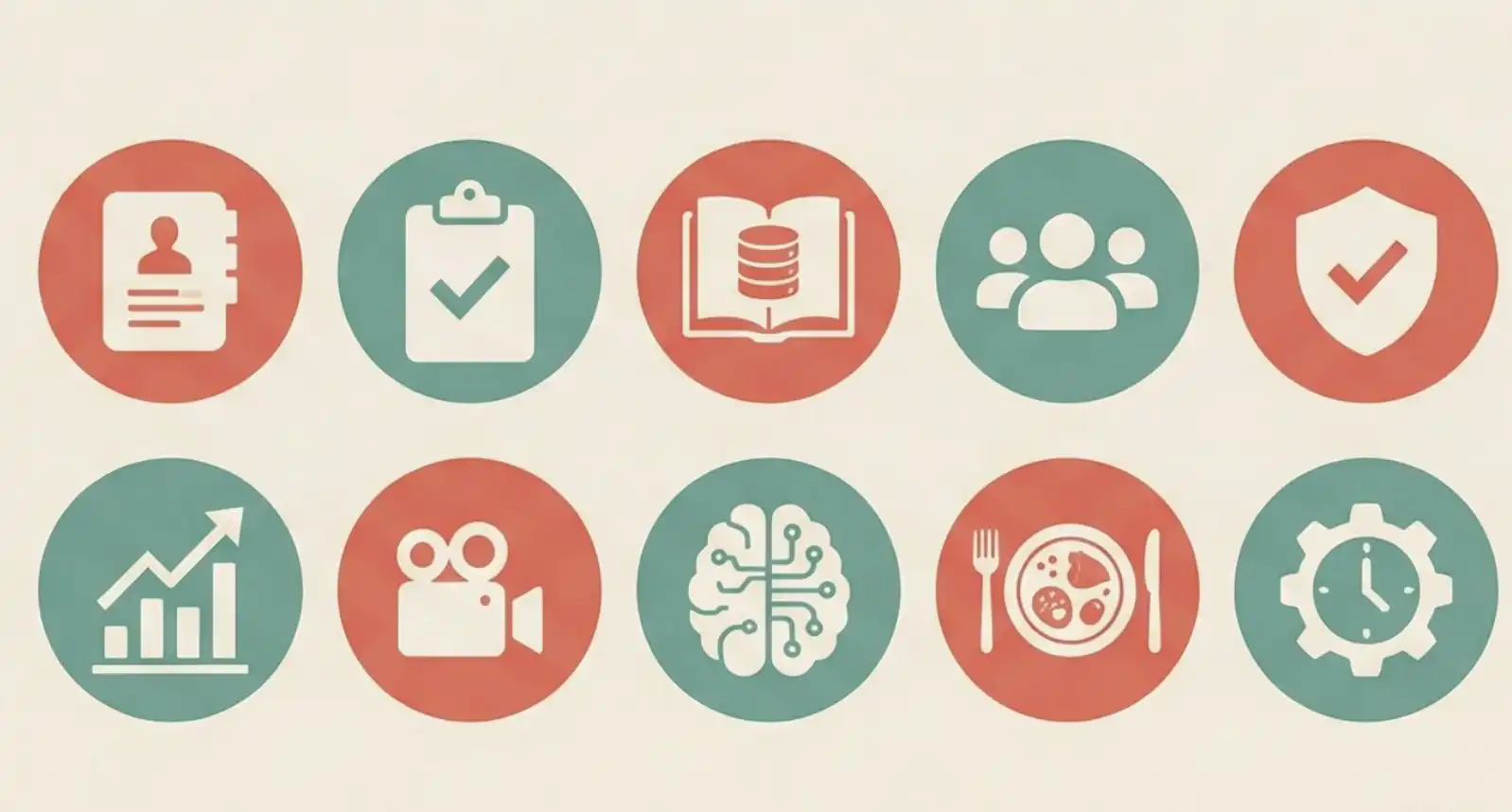
Based on Matthew Berman's real-world use cases, this article details how OpenClaw, a powerful AI framework, can be deployed to automate a wide range of tasks, effectively replacing the functions of a small operations team. The ten core use cases are: 1. **Natural Language CRM:** Built in 30 minutes with no code, it integrates with Gmail and calendar, filters important contacts/emails, and enables semantic search and relationship health scoring. 2. **Meeting Action Item Tracker:** Automatically extracts tasks from transcribed meetings, distinguishes between user and others' responsibilities, tracks completion, and learns from user feedback. 3. **Personal Knowledge Base:** Users simply share links (articles, videos, PDFs) via Telegram; OpenClaw automatically processes, stores, and enables natural language search on the content. 4. **Business Advisory Board:** Eight AI expert agents analyze 14 different business data sources nightly, debate findings, and deliver prioritized, consolidated recommendations. 5. **Security Committee:** A multi-agent system runs a nightly audit of the entire codebase, logs, and data for vulnerabilities, offering fixes and evolving its rules. 6. **Social Media Tracker & Daily Briefing:** Automatically pulls analytics from multiple platforms for a daily performance report and feeds this data to the advisory board. 7. **Video Topic Pipeline:** Turns a Slack message into a fully researched video outline, complete with title suggestions and background research, then creates an Asana task. 8. **Memory System:** The AI maintains a persistent memory of user preferences and conversation history, allowing it to understand context and adapt its personality for different channels. 9. **Food Diary:** Users log meals via photos; the AI identifies food, correlates it with symptom reports, and helped identify a previously unknown food sensitivity. 10. **Automated Infrastructure:** A robust backend handles scheduled tasks (CRM scans, backups, updates), encrypted backups, and API usage tracking. The article emphasizes that the true power lies not in individual features but in how these interconnected systems create a "data flywheel," where outputs from one module become inputs for others, massively boosting productivity. It concludes that the key modern skill is orchestrating such AI workflows with natural language, not just coding.

marsbit02/23 07:39

What Can OpenClaw Do? A Deep Dive into 10 Real-World Use Cases from a Power User

marsbit02/23 07:39

活动图片