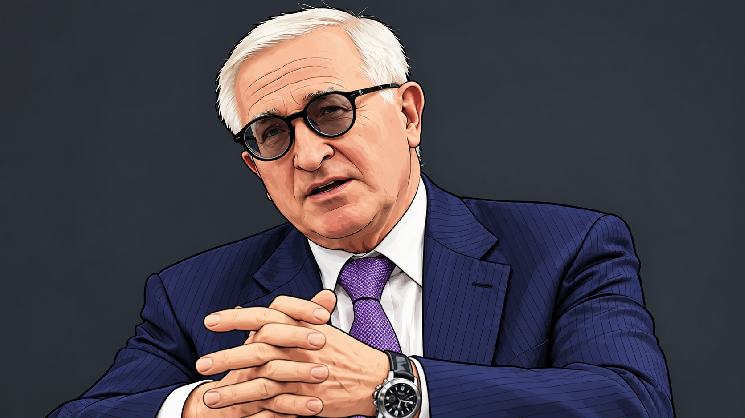
Alexander Shokhin: Business Needs an Interest Rate Below 10% and the Dollar at 90-95 Rubles
Alexander Shokhin, head of the Russian Union of Industrialists and Entrepreneurs (RSPP), has advocated for potentially using "non-market" tools to keep the ruble within a target exchange rate corridor. This, he argues on August 21, would help avoid excessive volatility, though he called the topic a separate discussion.
Shokhin had previously raised the idea of a currency corridor in late May, noting the ruble's current exchange rate is not fully market-driven due to a limited currency segment and reduced foreign currency demand. He stated that many business community colleagues propose fixing a corridor, even through non-market methods, to ensure predictability.
The business community's key targets, as outlined by Shokhin in late December 2025, are a Central Bank key rate of 12%, inflation of 4–5%, and a US dollar exchange rate of 90–95 rubles by the end of 2026. A turning point for investment, he said, would be lowering the rate to 12% with 6% inflation, though truly comfortable business conditions would require a rate below 10%. He stressed the critical importance of currency predictability for corporate investment decisions.
From a data analysis perspective, the idea of a ruble corridor is not new. A similar mechanism was used in Russia from 1995 to 1998, where the central bank held the dollar within fixed boundaries through regular interventions. This regime lasted three years before ending abruptly during the 1998 default, illustrating the fragility of rigid targets under external shocks. The macro-economic link is clear: stricter corridors require more reserves to defend against currency pressure. The key unresolved technical aspect is the specific sources and volume of such interventions given the current market's limited liquidity. Whether this discussion remains theoretical or leads to concrete corridor parameters will be seen in the coming months.
cryptonews.ru3h ago