How to Add Payment Methods on HTX P2P

2024/03/28 03:57
- Must-Read for Beginners
- Blockchain Basics

- For App Clients
Log into your HTX app > tap your avatar in the upper left corner of the homepage > tap the settings icon in the upper right corner of your profile page > find Trading > select Payment Method Management > Add.

- For Web Clients
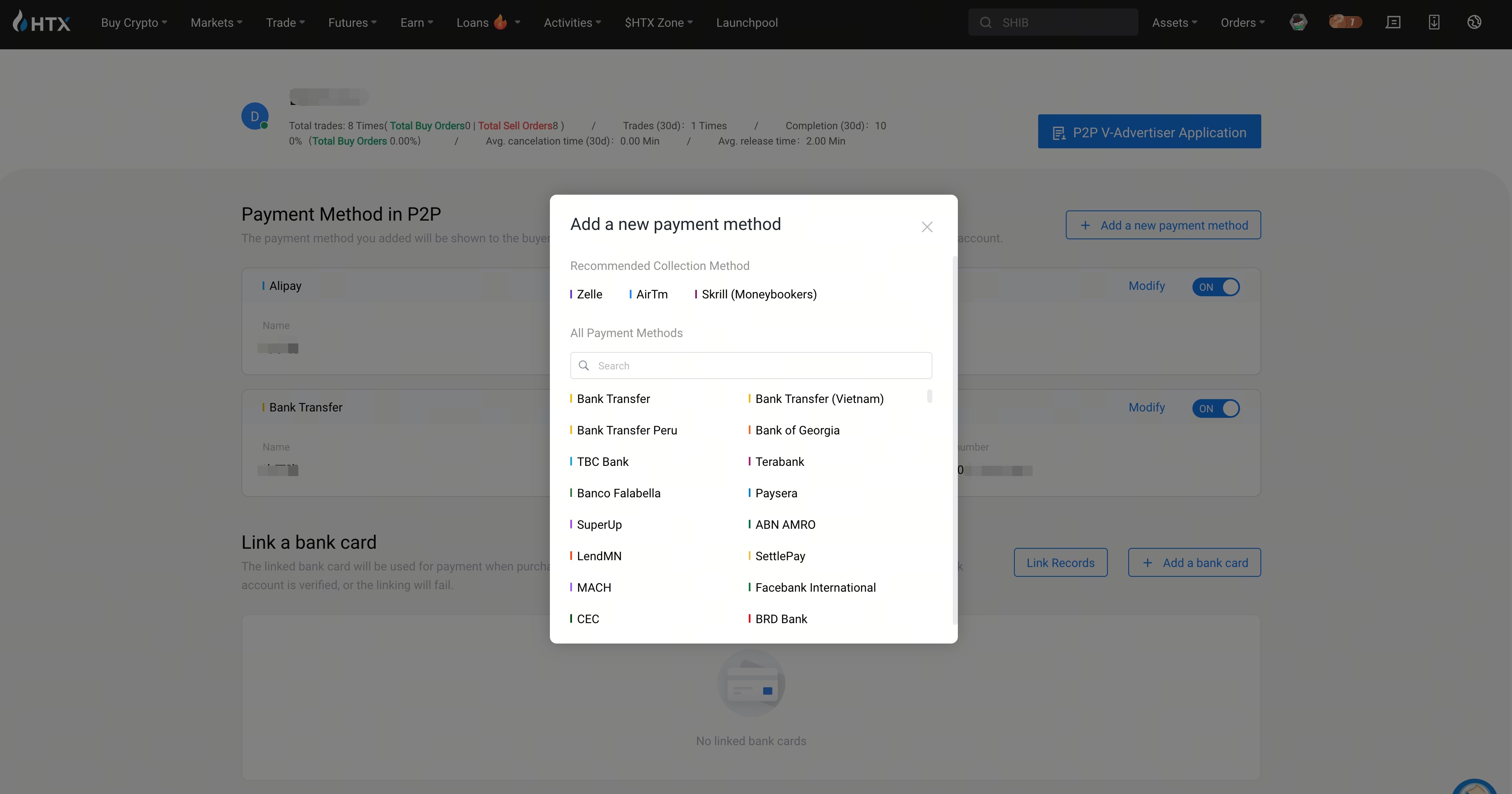
Log into your HTX account via our official website > click Buy Crypto in the navigation bar on the homepage > choose P2P > click the settings icon in the upper right corner > choose Payment Methods > click Add a New Payment Method.