
B4Bit
2023/01/21 20:04
How to register a .Eth ENS domain name?
Web3 domain ideas can be turned into reality with the ENS service. If you are a crypto fan and want to know how to get a Web3 domain name, please keep reading to find out.
Sign into an Ethereum-enabled browser :-
To buy Web3 domains like ENS, you must be signed into your Ethereum browser with the same wallet as the name you want to own, and you must have at least a small quantity of ETH in your wallet to cover transaction charges and the first year's annual fee for your NFT domain names.
On the desktop, this could be Chrome with the MetaMask plugin installed or Brave with the crypto wallet feature enabled. TrustWallet, Coinbase Wallet, MetaMask Mobile or any mobile Ethereum browser could also be used.
Navigate to the ENS manager to get your desired .eth name
Go to app.ens.domains in your browser and type your desired .eth name (such as ayelyn.eth) in to the "Search names" section before clicking the "Search" button.
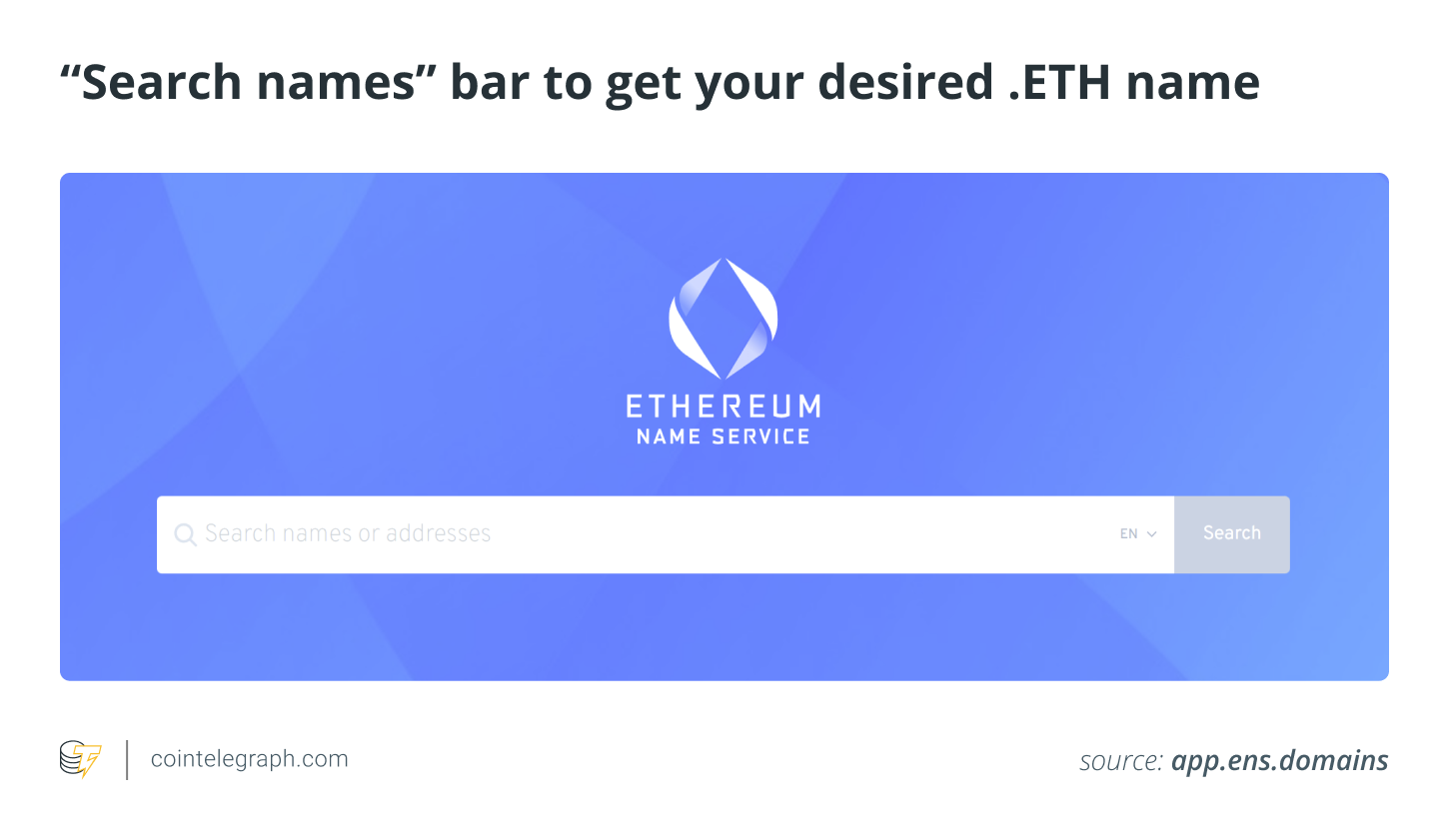
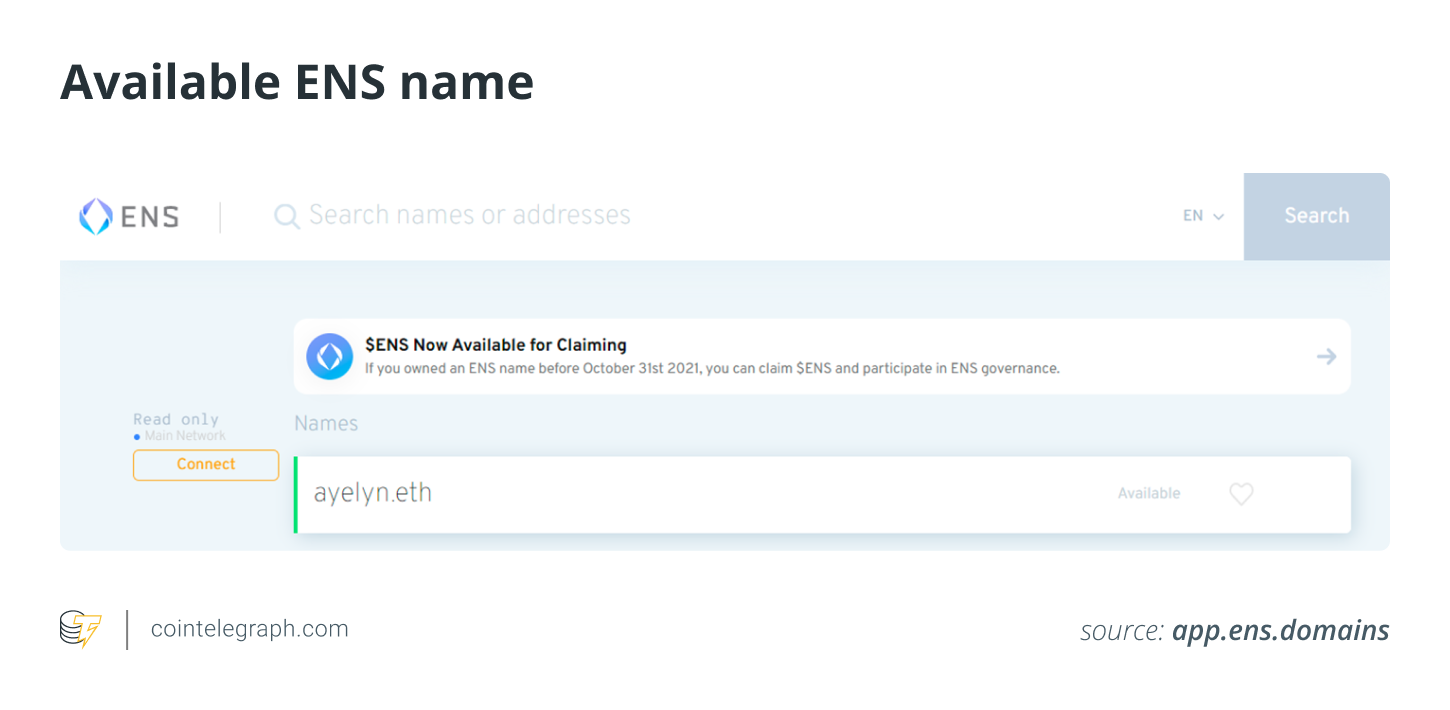
You'll be able to get the desired .eth name if it isn't registered by someone else, as shown in the image below.
Select the time interval and start the registration method
If the name ike ayelyn.eth is available, you'll be taken to a screen that asks how long you'd like to register it for, as shown in the image below.
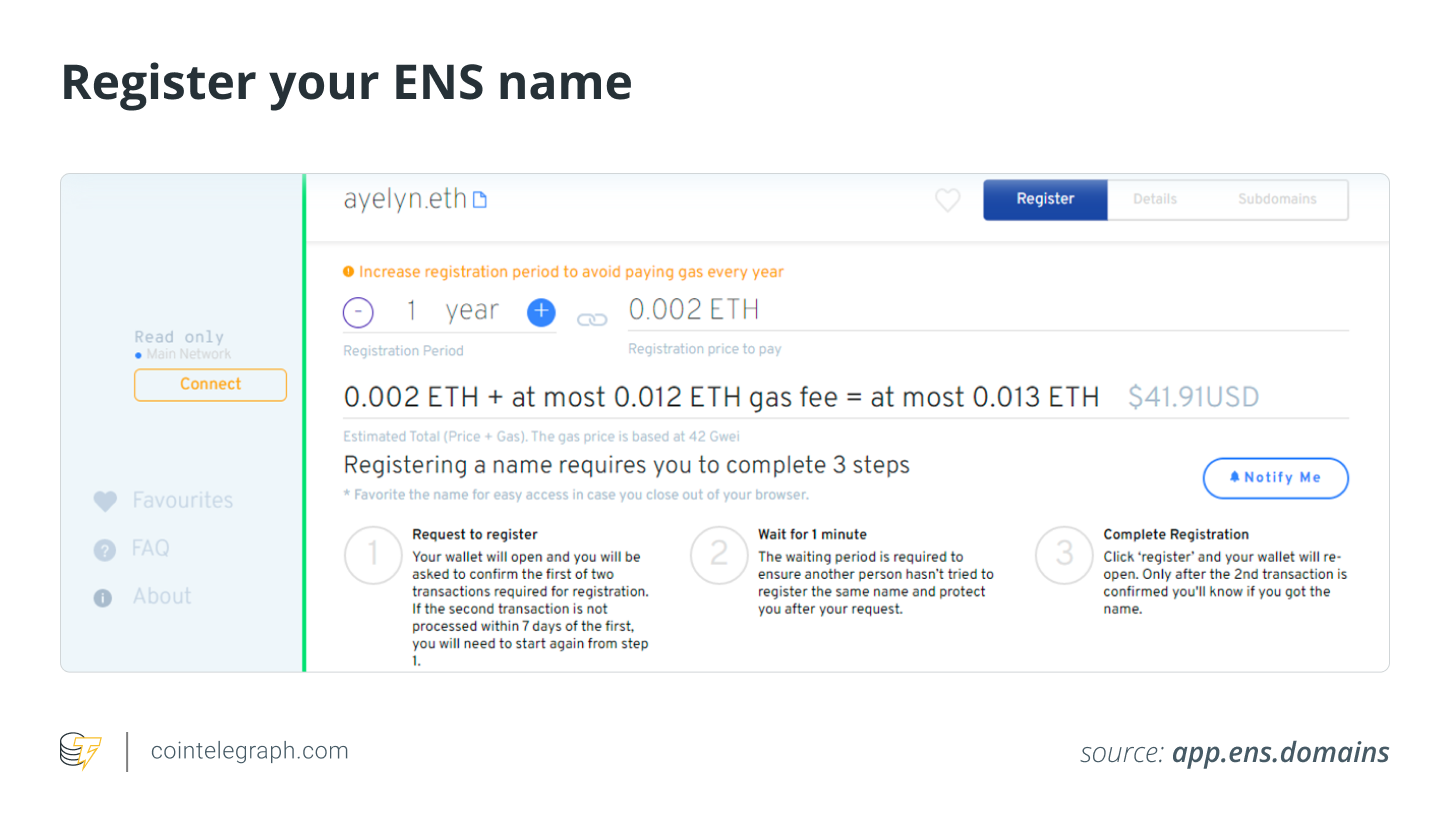
Select the number of years you'd want to pay the annual fee for the first time using the "-" and " " buttons. When registering a name with ENS Manager, you must do so for a minimum of one year. You can register for an additional year by paying a fee. You have the option of extending your registration period to a later date.
On the bottom right, click the blue "Request To Register" button. MetaMask (if it is your chosen wallet) should prompt you to confirm the transaction in a box. To prove it, click the "Confirm" button. Please wait until the green bar passes through “request to register” and “wait for a minute” to “complete registration.”
Finish the registration process :-
When your wait period is over, you'll see orange writing that says "Click register to proceed to the third step." Then, click the blue "Register" button next to it.
A new MetaMask window will appear, requesting that you complete a transaction to finalize your name and pay your registration cost. Select "Confirm" from the drop-down menu. "TX PENDING" will appear where the "Register" button is on the Manager page. Your name will be registered once the transaction is validated.
#Write Your 2023 Wishes to Share 2,023 USDT#Daily List of Fastest-Growing Cryptos
9Share
All Comments0LatestHot
No records