Recently, Andrej Karpathy shared a lazy method he loves to use: when you want an AI to do something but can't be bothered to type out the requirements clearly, what should you do?
He said, just lean back in your chair, switch to voice, open the floodgates of consciousness, and talk for 10 minutes—rambling, messy, however you like.
Sometimes he even starts by telling the AI, "Switched to voice recognition, don't mind the typos."
The magic is, he found AI is particularly good at piecing back together these long, messy, disjointed monologues. The version it returns to you is often cleaner than what you said: that tangled mess of thoughts in your head gets untangled by it, and the number of back-and-forth corrections also decreases.
This is exactly the smoothest way Andrej Karpathy interacts with AI himself.
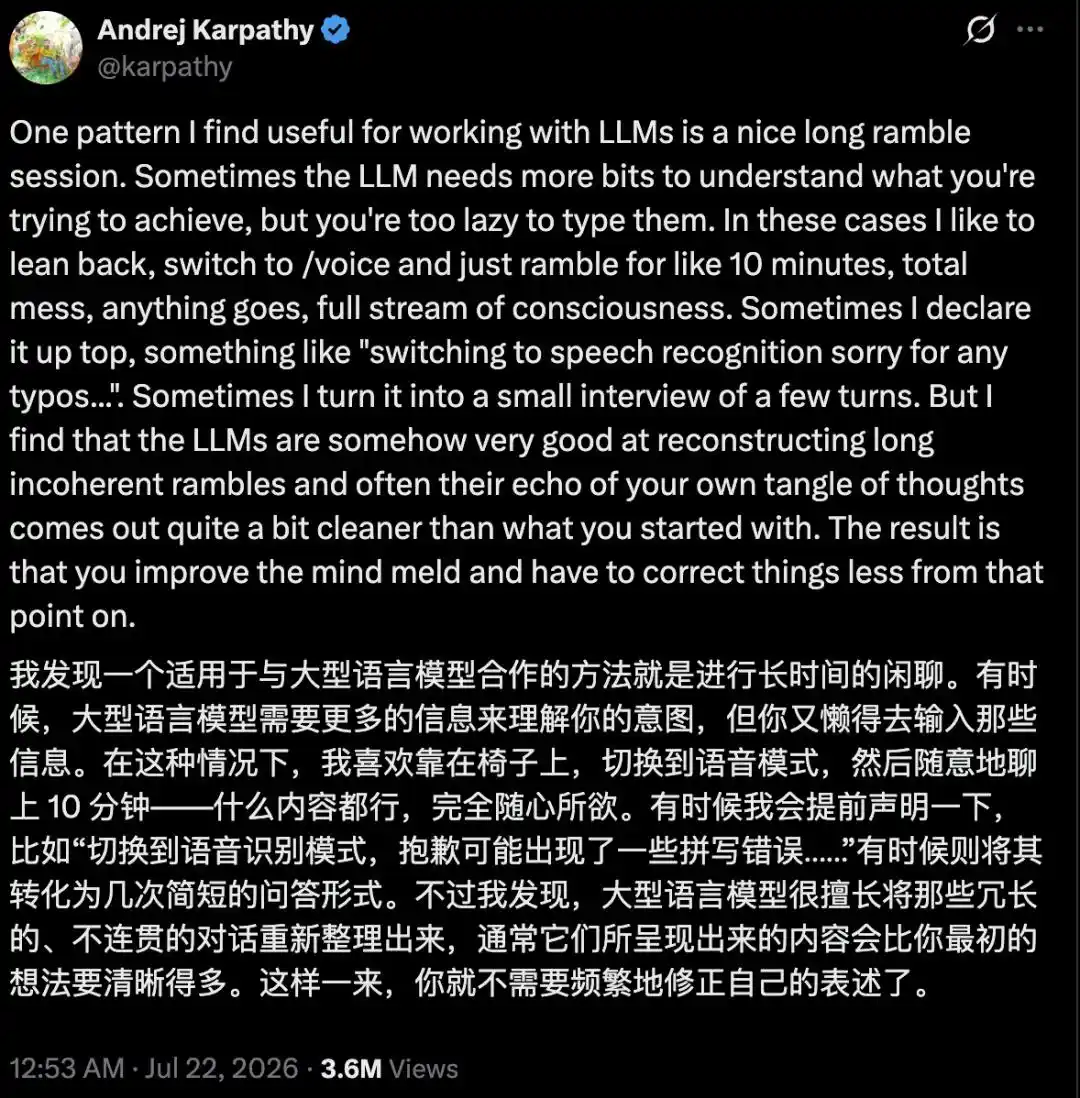
In his words, this improves the "mind meld" between human and model. People often can't be bothered to type out the entire context of something word for word, so why not just open their mouth and dump the whole tangled mess out.
The value of voice isn't in freeing your hands, but in dumping high-bandwidth context to the AI.
Just these past few days, OpenAI has directly moved this "command AI with your mouth" playstyle onto the desktop.
Desktop ChatGPT Can Now Be Commanded by Voice
On July 23, OpenAI officially brought ChatGPT Voice into the Work and Codex scenarios of the desktop app.
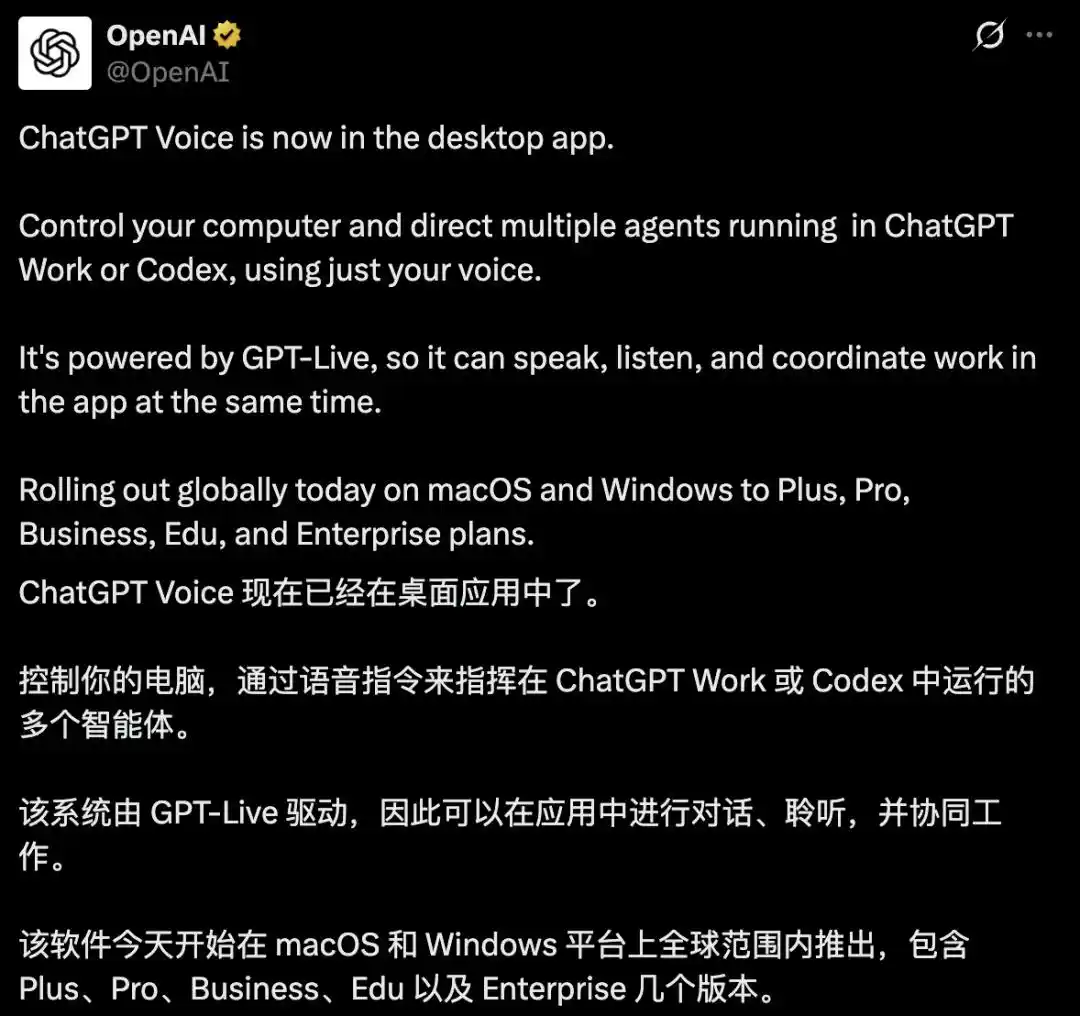
Starting that day, a global phased rollout began on macOS and Windows, covering Plus, Pro, Business, Edu, and Enterprise tiers. Android is coming soon, and iOS can access it remotely via pairing.
Under the hood is the new-generation voice model GPT-Live, launched just on July 8th, which can listen and speak simultaneously: you can interrupt at any time, and it will pick up from your latest utterance, no longer the old clunky method of "record first, transcribe, then reply."
The key is that this time, voice isn't just for casual chat.
Within Work and Codex, you can start a task, ask about its progress, check the current state of a particular agent, and even coordinate multiple Agents within the same conversation, letting them work on their own things.
A task runs in the background, and you can interrupt at any moment to change its direction; if it gets stuck or finishes, it will proactively speak up or give you a visual prompt on the screen.
It can even pick up where you left off on a current task: leveraging existing project context, connected to documents, calendar, contacts, and communication logs, to finish a half-done job.
Official examples from daily life include: having it check your calendar for conflicts, scan your inbox to see if a flight changed, and prepare meeting notes, all "while you grab coffee or attend to other things."
On macOS, there's also the added capability of Appshots and screen context, allowing it to directly read your currently focused window, combined with local files and code repositories for understanding. Hotkeys are also customizable.
Codex plus ChatGPT Work has already surpassed 10 million weekly active users.
There's a very interesting shot in OpenAI's promotional video: several engineers standing in the same room, facing the same desktop session, each giving their own commands: one AI, a room of people ordering it around.
This is probably their vision of a "group programming party."

OpenAI demonstrates ChatGPT Voice in a home scenario: speak what you want done to the desktop Codex, and it continues the work in the background.
Typing is a Bottleneck for AI Input, But Voice Isn't
This, of course, isn't a spur-of-the-moment idea from OpenAI alone.
Almost in the same week, three industry big shots almost unanimously cast their vote for "voice."
Karpathy posted on X, saying when there's too much context and he's too lazy to type, he just rambles and lets the AI organize it.
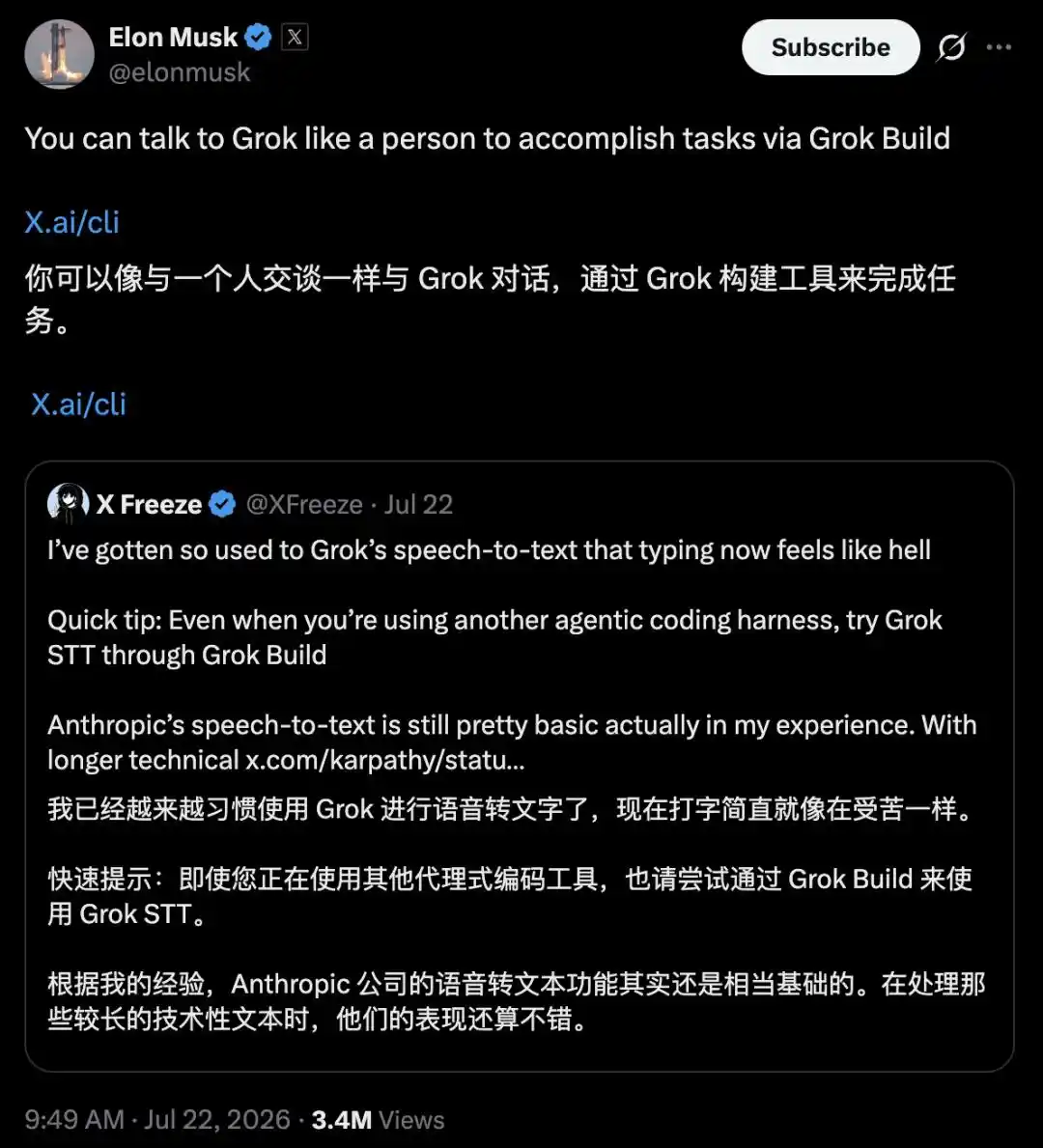
A Grok fan retweeted Karpathy's post, saying they were already used to Grok's speech-to-text, "Now typing feels like torture," and casually吐槽ed Anthropic's voice input as "actually still pretty basic."
Musk retweeted this, adding: You can use Grok Build to assign tasks to Grok just like talking to a person.
Altman didn't forget to promote his new-generation voice model GPT-Live either.
He admitted he's always preferred typing over talking to AI, but now he "talks more to ChatGPT than he types."
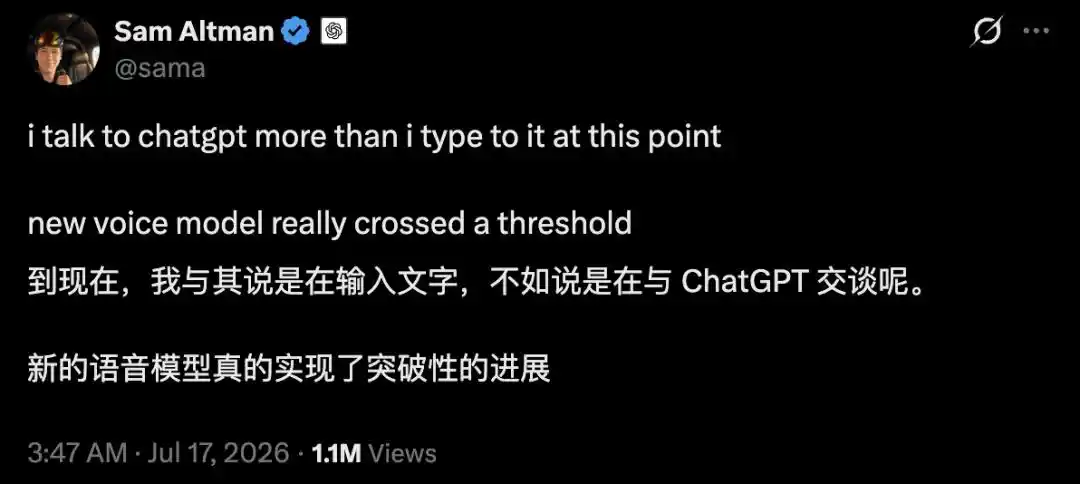
He specifically pointed out: Voice is most useful when you have a lot of context to dump to the AI at once.
What excites the three big shots isn't simply "finally being able to use your mouth."
Behind this lies this logic: as agents become more capable, the intentions you need to feed them become more complex, and the keyboard pipeline starts to congest:
The more concisely you type, the drier the information the model receives.
Voice output, however, is a naturally wide pipeline: you can blurt out the whole story, cause and effect, concerns, and preferences all at once. Even if it's messy, the model can handle it and then sort out that stream of consciousness for you.
Community members have already tested: voice throughput is roughly 240 words per minute, while typing maxes out at 70-80 words—a difference of three to four times.
GPT-Live offloads the heavy lifting to the backend GPT-5.5 and GPT-5.6 to think about, while the frontend just focuses on keeping the conversation flowing and catching what you say. This decoupling is precisely to let people speak freely.
Ultimately, the thoughts in the human brain are inherently parallel and jumpy, but the keyboard forces you to compress them into lines of text.
Voice loosens this wall: it's transitioning from a "lazy input method" to a "high-bandwidth context entry point."
In a word, typing is a bottleneck for AI input, but voice isn't.
Behind Voice Input Lies "Managing Projects with Your Mouth"
What OpenAI has truly packed into the desktop version this time is using voice to "manage AI."
According to the official FAQ, within Work and Codex, you can do these things by voice: start a task, prioritize several tasks, interrupt midway and change direction, while the work continues to run in the background.
Going further, it can coordinate multiple intelligent agents to work together across multiple conversations and projects. You say something like "A does this first, B stays on hold, C notify me when there's a result," and the backend will rearrange accordingly.
It can also pick up where you left off last time. This relies on project context, plus connected tools—your documents, calendar, contacts, communication logs.
When a task gets stuck or is finished, it will notify you with a voice prompt or a visual prompt on the screen.
This is no longer the job of a voice input method; it's more like a command center where you're directing a team of agents.
It's still opening your mouth to talk to AI, but previously it was about making the AI understand you; now it's about making the AI work for you.
What ChatGPT Wants to Be is Your "AI Work Operating System"
Behind a single voice feature lies a larger roadmap: OpenAI wants ChatGPT to be your "AI work operating system."
Over the past few months, OpenAI has been reworking the desktop ChatGPT, putting Chat, Work, and Codex into the same entry point, with one-click switching, running persistently in the background.
Codex, too, has long expanded into a universal platform capable of running multiple agents in parallel, handling long tasks, and understanding entire projects.
Why put this capability on the desktop, instead of keeping it on the smartphone everyone uses?
Mainly because the tiny chat window on a phone can't handle complex tasks; it's suitable for asking a couple of quick questions.
To truly let an AI connect to your files, code, and software, and see a task through from start to finish, it needs to reside on your computer:
The desktop has files, integrated development environments (IDEs), browsers, a whole suite of enterprise software—this is the main battlefield for agents to work.
Behind this is a flip in how humans interact with AI.
In the past, you used AI by "operating software": open, input, wait, one turn at a time.
Now you're more like a manager leading a team: open your mouth and delegate tasks. The relationship between you and AI has quietly shifted from "you ask, it answers" to "you say, it does."
A power user bluntly said that using this suite of things feels "basically like J.A.R.V.I.S."
He even had Codex help him configure a hotkey, allowing him to switch between three machines and several screens just by speaking.
Returning to the opening scene, what truly excites big shots like Musk, Altman, and Karpathy isn't being able to throw away the keyboard, but rather that when input is no longer the bottleneck, people can return the brainpower saved to what's truly worth pondering: decision-making.
So the next question isn't really "Can you open your mouth?" but rather, when you have a room full of on-demand AIs in front of you, what exactly do you want them to do for you?
References:
https://x.com/OpenAI/status/2080378182469857576
https://aihot.virxact.com/items/cmrxxi2qg03kcroxpcugdaldy
This article is from the WeChat public account "New Zhiyuan," author: ASI Apocalypse