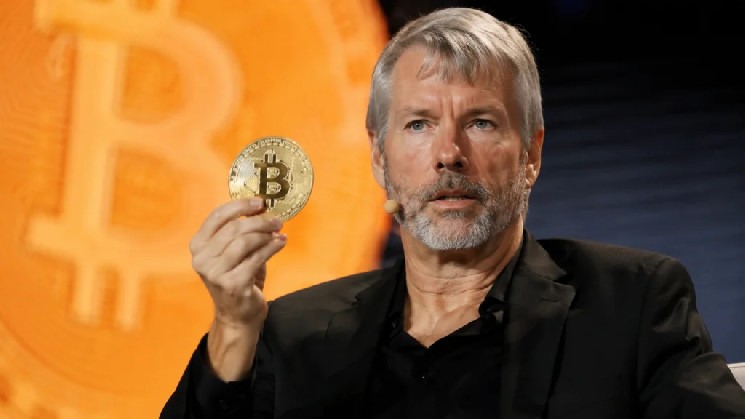
John-Paul Thorbjornsen, “JP Thor,” Co-Founder of THORChain and Vultisig, was scammed out of about $1.3 million by North Korean hackers. The attack happened through a conference call scam involving a hacked Telegram account, a fake Zoom link, and even a deepfake video of a friend.
On X, on-chain analyst ZachXBT said, “JP is one of the people whose has greatly benefited financially from the laundering of DPRK hacks/exploits. So it’s a bit poetic he got rekt here by DPRK.”
How the Attack Happened?
Confirming the $1.3M loss, John emphasized that hackers gained access to old private keys stored in his iCloud Keychain, which allowed them to drain an old MetaMask wallet he had forgotten about. He emphasized that the attack required no transaction signing, pointing to the likelihood of a 0-day exploit.
This is not the first time John has been attacked. On September 6, he revealed he was targeted on his Mac workstation. He noticed a strange pop-up, then heard the Finder “download” sound.
A script was copying his entire Documents folder into a temporary directory, likely preparing it for upload. John disconnected from the internet, wiped his Mac, and reset it. He also decided to disable iCloud syncing for sensitive documents.
A few days later, he traced the breach back to the Zoom link from his friend’s hacked Telegram.
The Zoom link was official, and John even joined through his browser, not the app. He saw a deepfake video of his friend, but within two minutes, a malicious script had already been downloaded. That script started copying his iCloud Documents folder.
Lessons and warnings
Following the incident, John warned that private keys remain permanently unsafe, even when forgotten. He urged crypto users to abandon traditional wallets in favor of multi-factor wallets, which split key shares across multiple devices. John noted that while his MetaMask wallet was drained, his Vultisig wallets remained untouched.
Also Read: Radiant Hacker Moves $26.7 Million in Stolen Funds to Ethereum