Visit the official HTX website and log in to your account.
I. Data under the "Futures Information" Section
- Click "Futures" on the top navigation bar → "Futures Information" to access relevant data.

- Liquidation Order: Data can be filtered by futures symbol, trading type, contract quantity, date, etc. Additionally, data files can be exported for self-analysis.

- Futures Data

- Insurance Fund

- Delivery and Settlement: You can select the futures symbol and export the data.
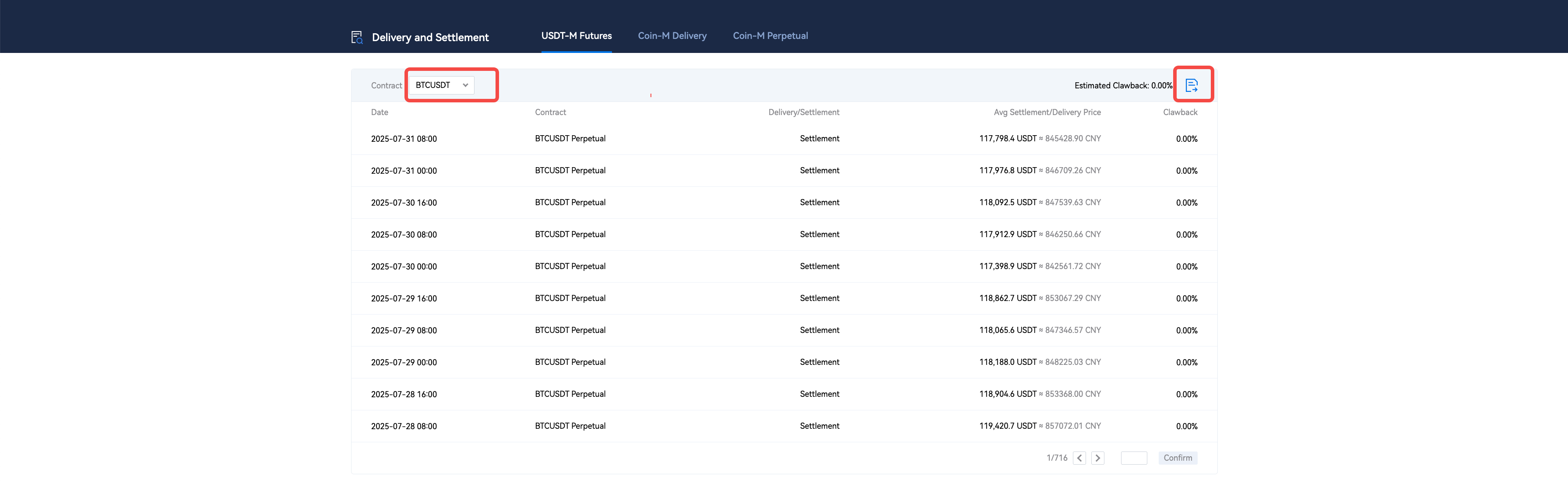
- Real-Time Funding Rate: Data can be exported.
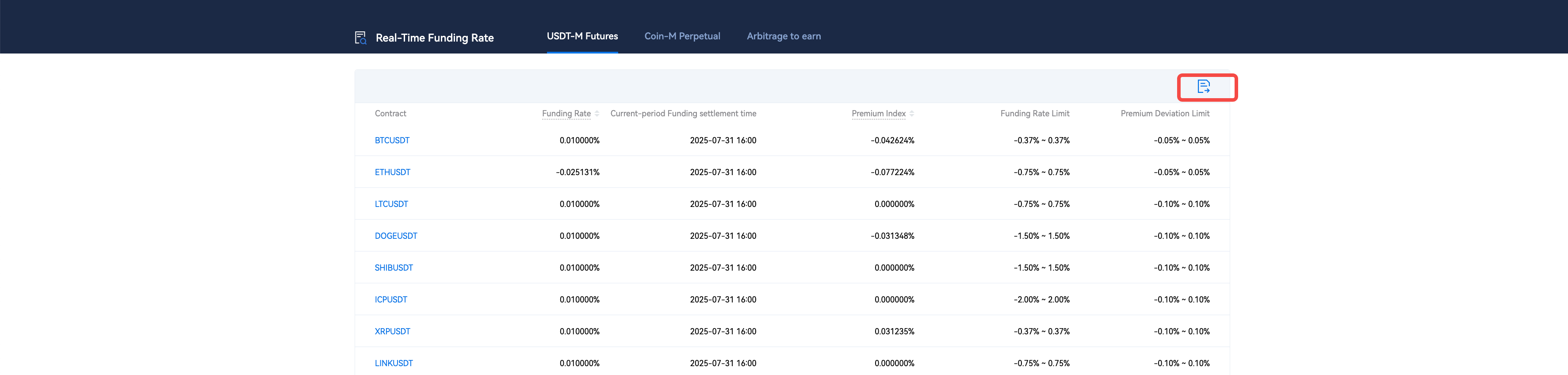
- Funding Rate History: Data can be exported, and you can switch to the premium index history.

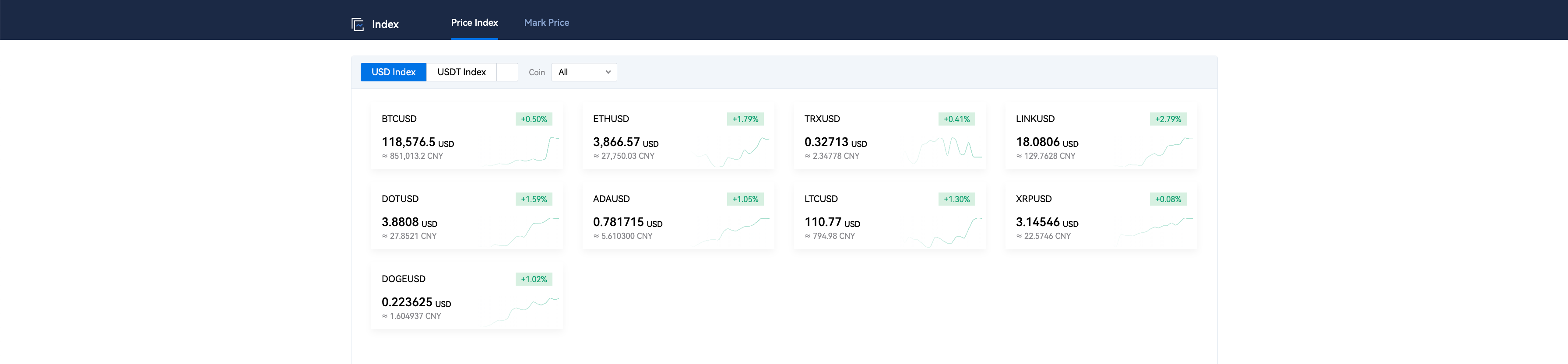
- Index: You can select the futures symbol to switch the data dashboard.
- Contract Details: Includes trading rules and explanations of Multi-Assets Collateral.

- Trading Limit

II. Data under the "Assets" Section
- Go to "Assets" in the top navigation bar, click "My Assets" from the drop-down menu, and select "Futures Account" to view the futures assets in your current account.
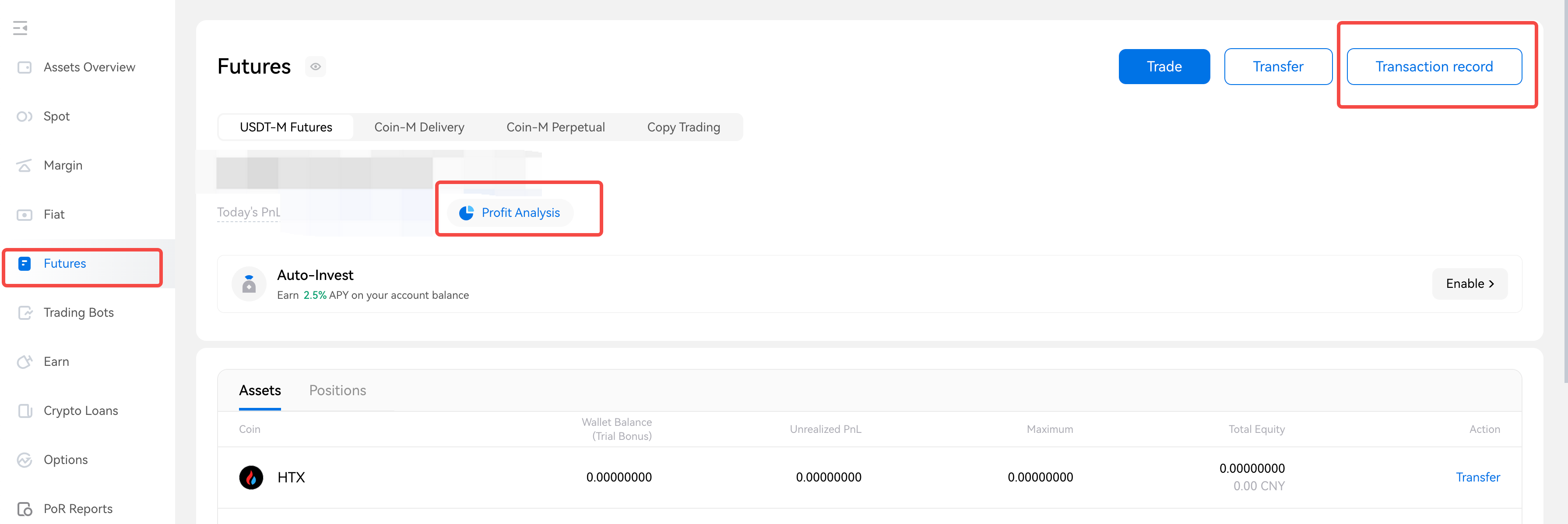
- Click "Transaction Record" to view financial records and trading data.

- Click "PnL Analysis" to view your account's profit and loss analysis.


